Why We Will Never Put Our Name on Your Deed
Imagine this:
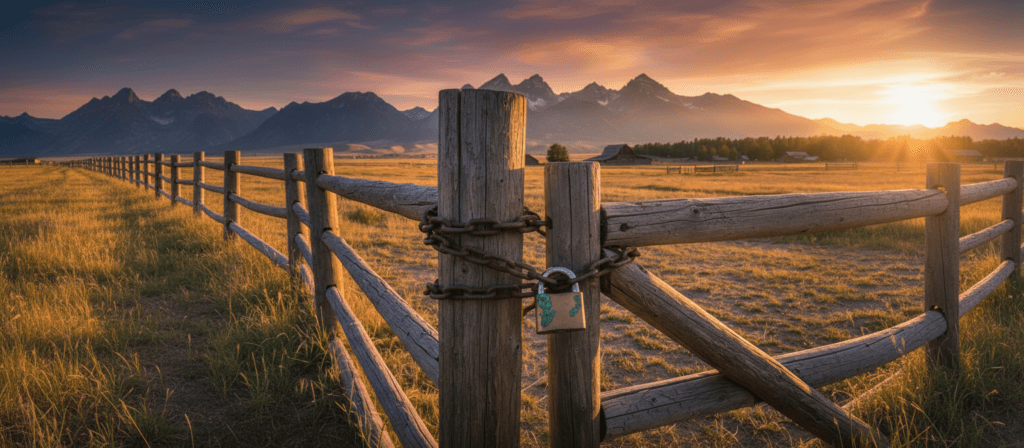
You drive up to your shop or your front pasture, but there is a new padlock on the gate. You didn’t put it there. You call the guy who built the fence, and he says, “Oh yeah, I have the key. Just let me know when you need to get in.”
That sounds shocking, right? You would never let a contractor hold the only key to your property.
Yet, in the digital world, small business owners do
this every day.
We hear the horror stories all the time. A business owner tries to update their holiday hours on Google Maps, but they can’t log in. Why? Because the “web guy” they hired five years ago set up the account using his personal email. Now, he’s moved to Florida, he isn’t answering his phone, and the business owner is locked out of their own reputation.
At Rural Mountain Media, we believe your digital presence is a business asset.
Your digital presence (your website, your domain, & your Google Business profile) is no different than a tractor or a barn. You need to hold the deed.
Account Setup Best Practices
Here are the best practices for setting up your accounts to ensure you stay secure, organized, and in control—no matter who you hire to help.
The Golden Rule: Owners vs. Managers
Most platforms (Google, Facebook, Wix, WordPress) have different levels of access. The biggest mistake business owners make is handing over the “Owner” status to an agency.
The Owner (You): This is the person who holds the ultimate power. They can delete the account, change bank details, and remove other users. This should always be you.
The Manager (Us): This is the person doing the work. They can post content, reply to reviews, and update photos.
The Fix: Never give an agency your personal login. Instead, invite them as a “Manager” or “Admin.” If you ever part ways, you simply remove their access. You don’t have to beg for your passwords back.
Stop Texting Your Passwords
We know it’s easy to just text your password to your designer. Please, don’t!
Text messages and emails are not secure. If you write a password on a sticky note and put it on your monitor, anyone walking through your office can see it. If you text it, it lives on a server forever.
The Fix: Use a secure Password Manager (like Bitwarden or 1Password). These tools allow you to “share” access to a login without the other person ever actually seeing or copying the password. It’s like unlocking the door for them without giving them a copy of the key.
Separation of Church and State (Personal vs. Business)
When you started your business, you might have used ranchguy88@gmail.com for everything. But mixing your personal life with your business assets is a recipe for disaster.
If you hand that login to an employee or an agency, they now potentially have access to your personal photos, your private emails, and your Google Drive.
The Fix: Always set up business accounts using a dedicated email address (e.g., info@yourbusiness.com or yourbusinessname@gmail.com). This keeps your family photos separate from your tax documents.
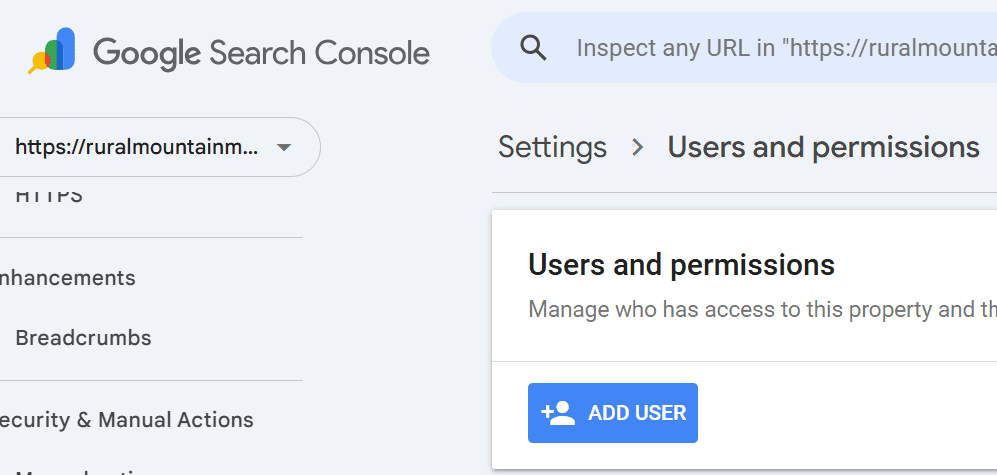
User Roles In Google Search Console
Distinction between user roles and permissions in all of your account plug-ins and services is critical for security and ownership.
The Rural Mountain Media SOP: Our “No Hostages” Protocol
We operate on a simple philosophy: You hire us because you want to, not because you’re stuck with us.
To prove it, we have a strict Standard Operating Procedure (SOP) for how we handle every new client setup. Here is how we ensure you always hold the keys:
01
Step 1: The “Clean Slate” Setup
We never create accounts under our own agency email. If you don’t already have a dedicated business login, we help you create one.
- The Master Email: We set up [YourBusiness]@gmail.com (or a custom domain email).
- The Business Google Account: We use that email to create a dedicated Google Account for your business. This becomes the “Key Ring” that holds your Google Business Profile, your Analytics, and your YouTube channel. It is tied to your business, not our personal names.
02
Step 2: The Vault Handoff
We generate complex, secure passwords (ex: Xy7#b9!mP2) for your new accounts. We do not email these to you in plain text.
- We place them in a secure, encrypted digital vault.
- We send you a “one-time view” link so you can save them to your own records. Once you view it, the link expires.
03
Step 3: The “Manager” Invite
Once the account is live, we immediately transfer Primary Ownership to you.
- We log in, set you as the Primary Owner, and then downgrade ourselves to Manager.
- This allows us to do the work you hired us for (posting updates, fixing bugs, running ads) without owning the deed to your property.
04
Step 4: The Recovery Route
We set the “Recovery Email” and “Recovery Phone Number” to yours, not ours.
- If you ever get locked out or forget the password, the reset code goes to your cell phone, not Faye’s. You are never dependent on us to get back into your own business.
The Bottom Line
Your digital assets are valuable. Don’t let them drift away. Whether you work with Rural Mountain Media or someone else, insist on being the Primary Owner of everything you build.
Need help untangling a mess of old accounts? We can help you audit your digital security and get everything back under one roof.
Free Download
The Rural Business Website Checklist
The essentials every rural business website needs to get found on Google and turn visitors into customers. Enter your email and I’ll send it right over.
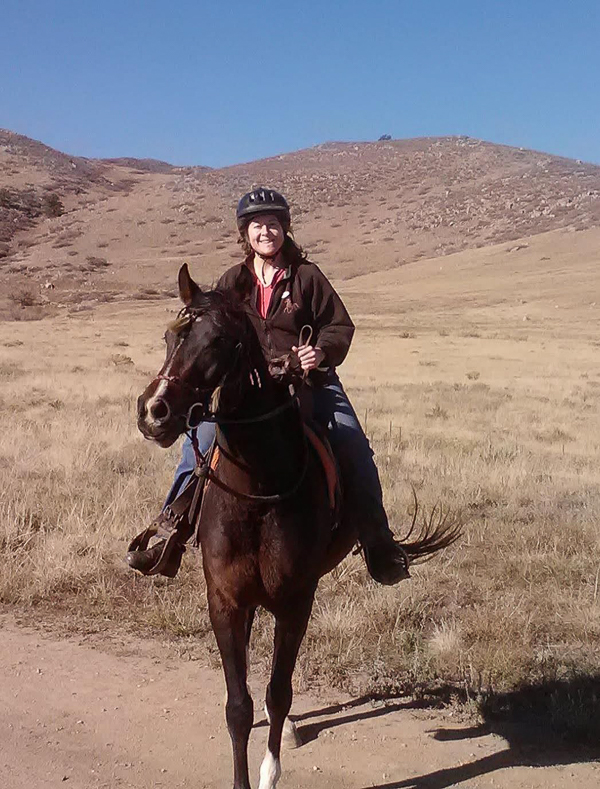
Founder of Rural Mountain Media. I build the websites and run the marketing for rural small businesses across the country — and I run a few of my own. More about me →
Build & market your business with RMM Insights
My guided DIY toolkit runs the analysis, hands you the plan in plain English, and walks you through the work — SEO audit, 60-day web plan, Local Pulse content ideas, and Facebook & Google Ads builders. Start free; the whole toolkit is $99/mo.
Rather have it done for you?
If you’d rather hand it off, let’s talk about your website, SEO, and marketing in a free, no-pressure consultation.
Schedule My Free Consultation